
Download Ultimate Rotation Control APK – screen rotation, rotate screen, lock screen orientation, Android app, free tool, mobile utility, device control, orientation lock, screen orientation fix
Overview
Ultimate Rotation Control is a lightweight Android application developed by FaMe IT, designed to give users complete control over their device’s screen orientation. The app addresses a common frustration among mobile users: the inability to lock the screen in a specific orientation. Whether you're viewing a vertical photo, watching a video in landscape mode, or using a navigation app that requires a fixed display angle, this tool ensures the screen remains locked as intended. It is particularly useful in scenarios where automatic rotation interferes with usability, such as when using a phone in a stand or during presentations.
The software targets a broad audience, including casual users, mobile professionals, and anyone who values consistent screen behavior. It is compatible with all Android devices, making it a universal solution for orientation management. The app functions as a utility that enhances device usability by preventing unintended screen rotation. Its purpose is straightforward—provide a reliable way to fix the screen orientation permanently or temporarily, depending on user preference. The developer did not provide additional details about the app’s background or development philosophy.
Key Features & Capabilities
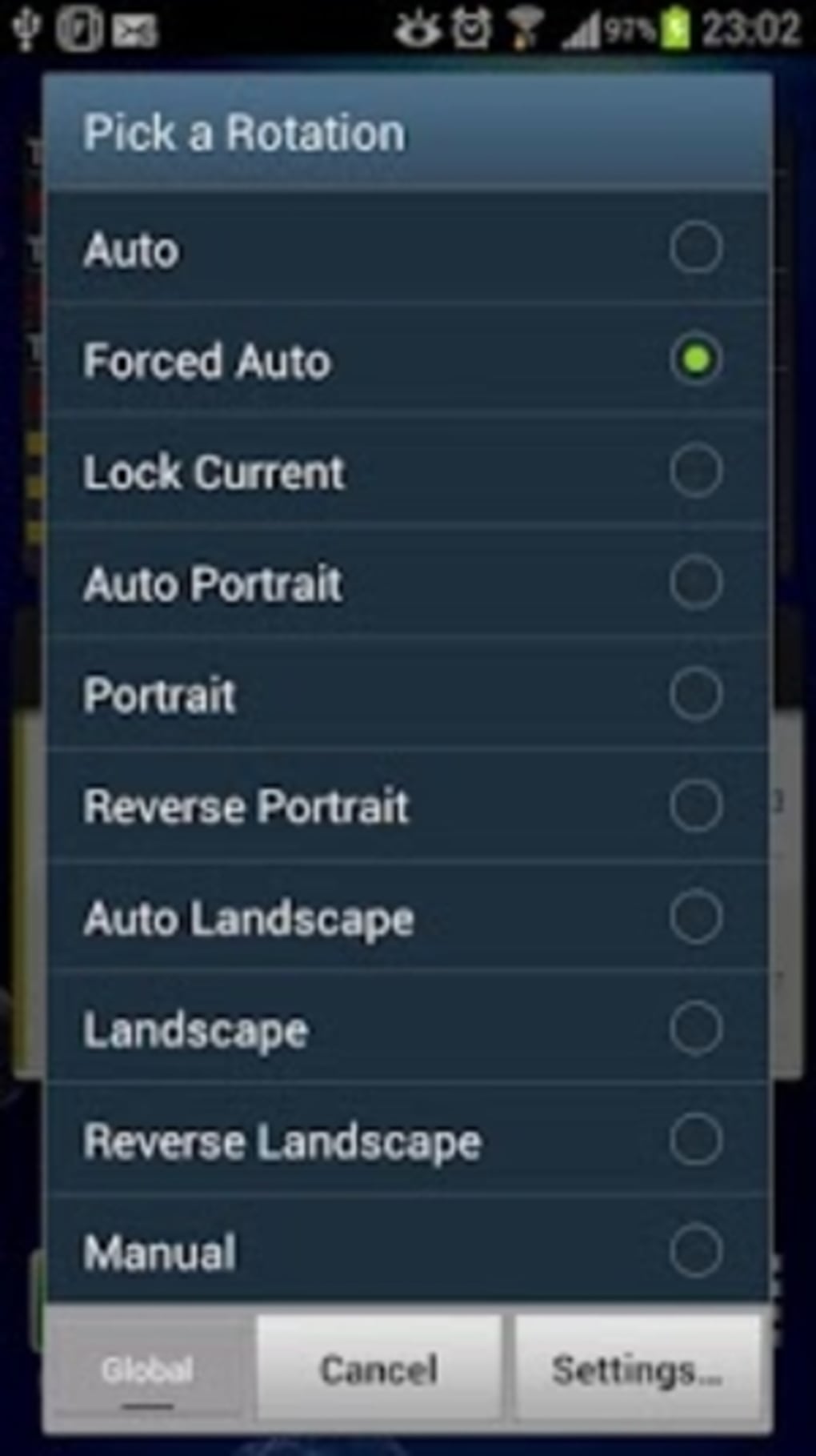
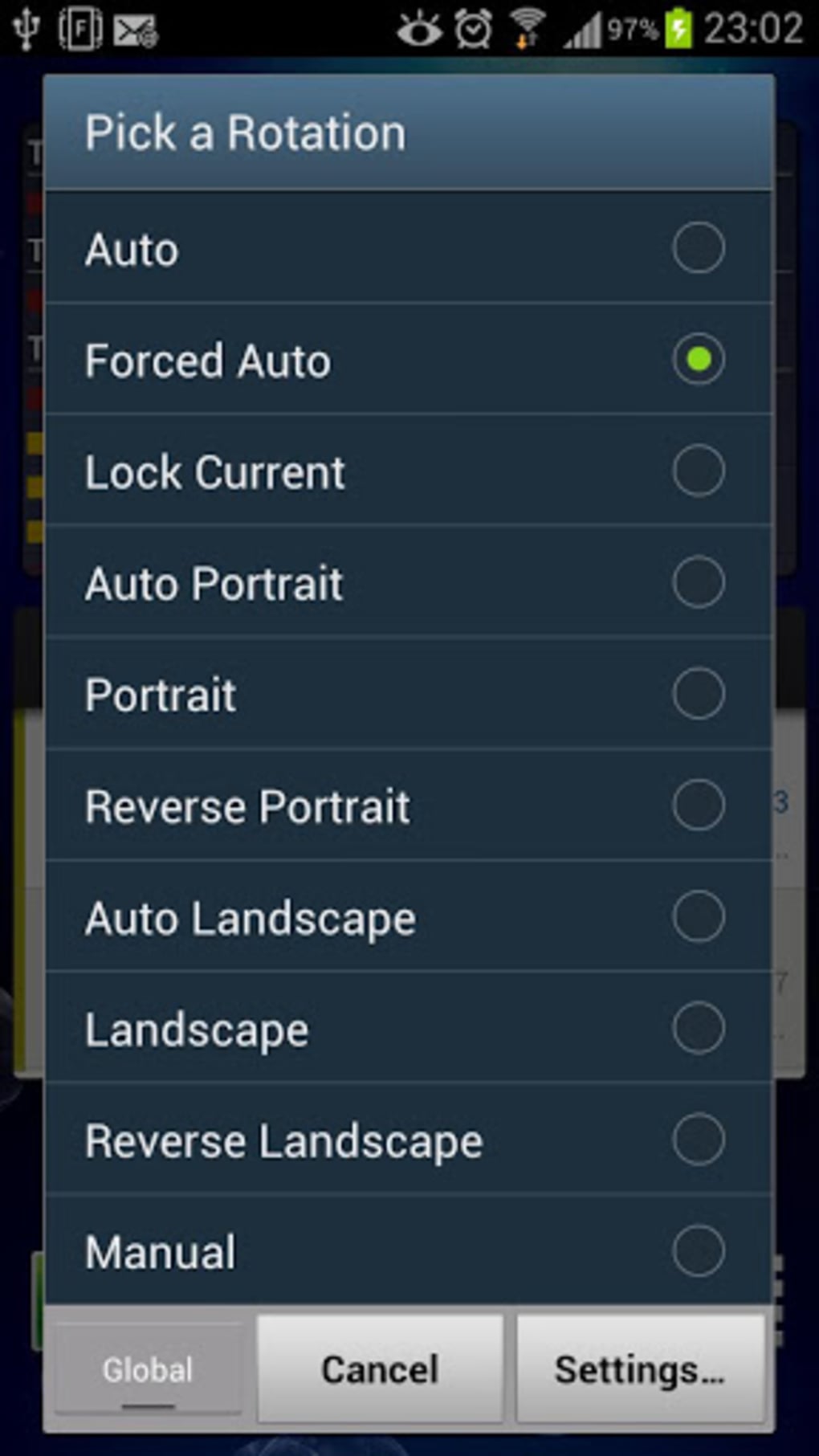
- Orientation Lock Functionality – Users can lock the screen in any orientation: portrait, landscape left, landscape right, or reverse portrait. This prevents unwanted rotation during use.
- Instant Toggle – The app allows quick activation and deactivation of orientation lock through a simple interface, minimizing disruption to workflow.
- Compatibility Across Devices – Designed to work with all Android devices, ensuring broad accessibility regardless of manufacturer or model.
- Lightweight Design – At only 1.2 MB, the app consumes minimal storage space, making it ideal for devices with limited memory.
- Free to Use – No cost is associated with downloading or using the application, making it accessible to a wide user base.
Real-world applications include fixing screen orientation during video playback, using a phone as a digital photo frame, or maintaining a consistent view while working on a spreadsheet. The app can also serve as a workaround for apps that do not support manual orientation control. By offering a direct solution to a persistent mobile issue, Ultimate Rotation Control enhances user autonomy and device reliability.
User Interface, Workflow & Performance
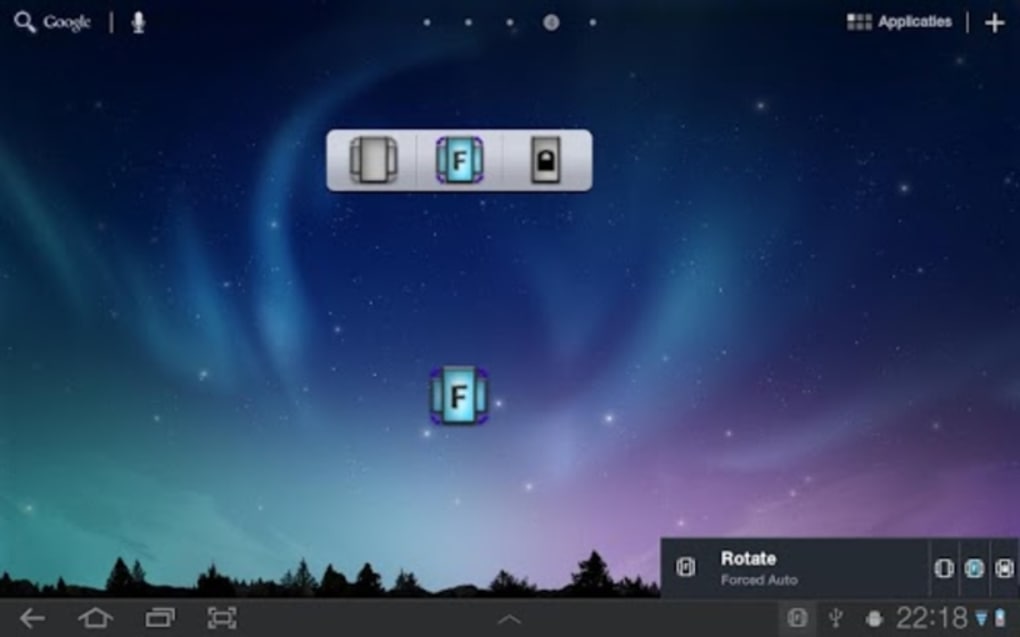
The user interface of Ultimate Rotation Control is minimalistic and focused on core functionality. Navigation is intuitive, with a central toggle or button to activate the desired orientation lock. The layout is designed for quick access, allowing users to lock or unlock the screen with a single tap. The workflow is streamlined, requiring no complex setup or configuration.
Performance is expected to be efficient given the app’s small size and limited scope. It operates in the background without consuming significant system resources. The developer did not specify resource usage details.
Based on general software behavior patterns, the app is likely to have minimal impact on battery life and CPU usage. Stability appears to be a priority, as the app functions as a system-level utility. No reported crashes or bugs were mentioned in the provided information.
Compatibility & System Requirements
Ultimate Rotation Control is designed for Android operating systems. The app is compatible with all Android devices, though specific version requirements were not listed. The installation size is 1.2 MB, indicating low storage demands. The developer did not specify exact system requirements, including minimum RAM, processor speed, or Android version. Compatibility information was partially provided, with no further details on hardware or software prerequisites.
Users should ensure their device supports third-party app installations, as the APK format requires enabling "Unknown Sources" in settings. This is standard for non-Play Store downloads. The app is not available on the Google Play Store, which may affect update delivery and security verification.
Pros and Cons
Pros
- Free to download and use
- Small file size (1.2 MB)
- Works on all Android devices
- Simple, intuitive interface
- Immediate control over screen orientation
Cons
- No official presence on Google Play Store
- Exact system requirements not specified
- Updates may not be consistently delivered
- Security verification limited to APK source
- No advanced customization options mentioned
FAQ Section
Is Ultimate Rotation Control available on the Google Play Store?
The app is not listed on the Google Play Store. It is distributed as an APK file, requiring manual installation from a third-party source.
Can I use this app on any Android device?
Yes, the app is designed to work with all Android devices. However, no specific version or hardware requirements were provided.
Is the app safe to download and install?
As with any APK, safety depends on the source. Users should only download from trusted websites to avoid potential risks.
Does the app require a license or subscription?
No. Ultimate Rotation Control is completely free and does not require any license or recurring payment.
Can I use the app offline?
Yes, the app functions entirely offline once installed. No internet connection is needed to lock or unlock screen orientation.
Final Thoughts + CTA
Ultimate Rotation Control delivers on its promise: a simple, effective solution for managing screen orientation on Android devices. Its lightweight design, universal compatibility, and free access make it a valuable tool for users seeking greater control over their mobile experience. While it lacks advanced features and official app store distribution, its core functionality is reliable and well-executed. For anyone frustrated by unpredictable screen rotation, this app offers a practical and immediate fix.
Download Ultimate Rotation Control now






.png)
